 how-to
How to Verify Heavy Equipment Service History
Table of Contents
- Start With Equipment Identification: Serial Number, Make, and Model
- How to Run a Heavy Equipment Serial Number Lookup
- Request the Right Documents: Service Records, Invoices, and Work Orders
- Use a Used Heavy Equipment Inspection Checklist to Cross-Check the Machine
- Equipment Service Log Analysis: Reading Operating Hours and Maintenance Intervals
- Get an Equipment Maintenance Log Template and Verify Third-Party Records
- What to Do When Service History Is Missing or Looks Altered
- Conclusion: Financing a Machine You Have Verified
- Frequently Asked Questions
Last Updated: October 12, 2026
Start With Equipment Identification: Serial Number, Make, and Model
Verifying heavy equipment service history starts with confirming exactly which machine you are looking at. Without the right serial number, make, and model, any paperwork a seller hands you could belong to a different machine entirely.
Here is what to capture before you review a single document:
- Serial number from the machine's data plate, not from the listing
- Make and model exactly as stamped by the manufacturer
- Year of manufacture, which the serial number often reveals
- Engine and component serial numbers where accessible
A common mistake is trusting the serial number on the sales listing. Walk to the machine, read the plate yourself, and compare it to the title, invoice, and hour meter reading.
How to Run a Heavy Equipment Serial Number Lookup
A heavy equipment serial number lookup confirms the machine's build year, original configuration, and factory options.
Do this before you request records. If the serial number says 2018 and the seller advertises 2021, you have your answer.
Follow these steps:
- Write down the full serial number from the data plate.
- Check the manufacturer's official serial number guide for the year and build details.
- Call a dealer for that brand and ask them to confirm the build.
- Note any factory recalls tied to that serial range.
- Compare the decoded specs to the listing.
manufacturer serial number and product identification guidance style resources and dealer support both help here. The Association of Equipment Manufacturers also publishes industry guidance on machine identification.
Request the Right Documents: Service Records, Invoices, and Work Orders
Service records, repair invoices, and work orders are the paper trail that proves a machine was maintained.
What each document should contain:
| Document | What It Proves | Key Details to Check |
|---|---|---|
| Service records | Routine maintenance happened | Dates, hours, tasks performed |
| Repair invoices | Parts and labor were paid for | Part numbers, technician name, cost |
| Work orders | A shop performed the job | Shop name, machine serial number |
| Inspection records | The machine was checked | Inspector name, date, findings |
A maintenance log ties these together. Ask for it as a single document; sellers who keep good records can produce it fast.
What most buyers miss is the serial number on each invoice. If it does not match your machine, those records belong to something else.
Use a Used Heavy Equipment Inspection Checklist to Cross-Check the Machine
A used heavy equipment inspection checklist turns records into physical proof. Records say the oil was changed; the dipstick shows whether that is true. You need both.
Hire an independent inspector when the machine matters. Their report is a second opinion the seller cannot write.
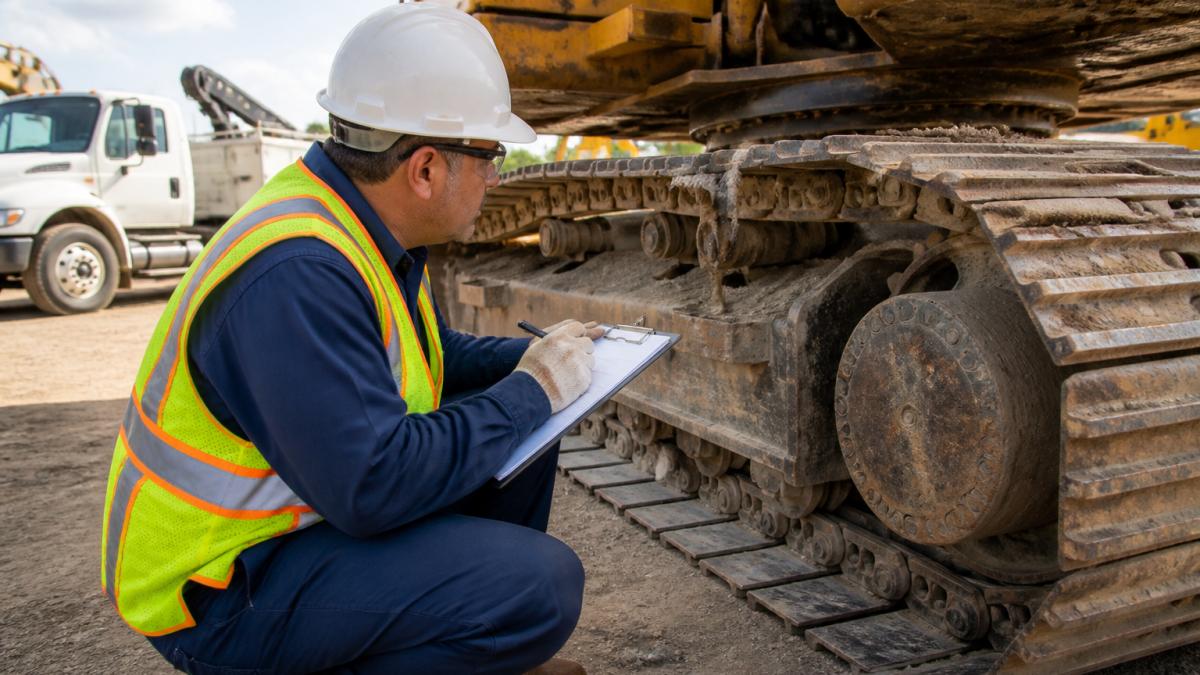
Walk the machine and check these against the paperwork:
- Hour meter reading versus the last recorded service hours
- Engine for leaks, smoke, and unusual noise
- Transmission for shifting problems and fluid condition
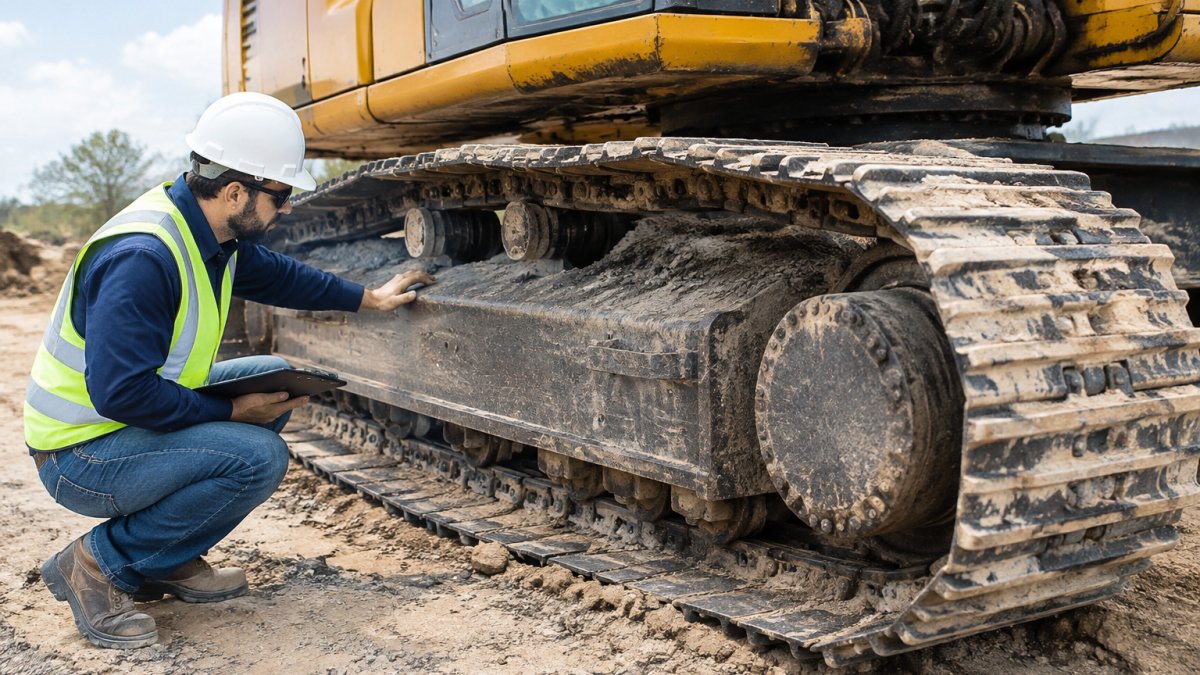
- Undercarriage for wear on tracks, rollers, and sprockets
- Fluid changes and lubrication points for recent service
- Tires or tracks for wear that matches the claimed hours
Equipment Service Log Analysis: Reading Operating Hours and Maintenance Intervals
Equipment service log analysis means reading the numbers, not just the dates. Operating hours and maintenance intervals reveal whether service happened on schedule or too late.
Every manufacturer publishes a maintenance schedule listing service intervals by hour meter reading. Routine service at the right interval is a good sign; late or skipped service is not.
Check these against the log:
- Total operating hours versus machine age
- Hours between each recorded service
- Whether preventive maintenance matched the schedule
- Any long gaps with no entries
A low-hour machine with no service records is a bigger risk than a high-hour machine with a full log.
Get an Equipment Maintenance Log Template and Verify Third-Party Records
An equipment maintenance log template gives you a clean format to compare a seller's records against.
Here is a buyer-focused workflow for cross-checking a seller's records against sources they cannot edit.
Step 2: Request the underlying documents. Ask for the original invoices and work orders behind each log entry, not just the log.
Step 3: Cross-check with independent sources. Work through each source below and note any entry missing from the seller's log:
- Dealer service records. Call the dealer for that brand, give them the serial number, and ask whether the machine was ever serviced at their shop. Those records are independent of anything the seller hands you.
- Repair-shop invoices. For non-dealer work, get the shop's name and contact information from the seller, then call to confirm the invoice number, date, and machine serial number.
- Manufacturer warranty claims. Warranty work is tied to the serial number. A dealer can confirm whether any warranty repairs were filed and what they covered.
- Telematics data. If the machine has a factory telematics subscription, the dealer or manufacturer may pull hour-meter history and fault codes. These readings are hard to fake and often expose a rolled-back meter.
- Equipment databases and valuation services. Services such as EquipmentWatch can confirm model year, original configuration, and resale values, not service, but whether the machine is what the seller claims.
- Auction and prior-sale records. If the machine moved through an auction house, prior listing photos and condition reports can reveal hour readings and damage the current log omits.
used equipment buying guidance on record review style consumer protection resources also explain your rights when a seller misrepresents a machine.
Step 5: Document your findings. Keep a copy of every record and call, with dates and names. If you negotiate price or walk away, you will have a clear basis for the decision, and the paper trail protects you if the seller misrepresented the machine.
What to Do When Service History Is Missing or Looks Altered
Missing or altered service history is common and changes the deal. Treat it as a pricing signal, not an automatic walk-away, but separate records that are merely incomplete from records that have been manipulated, because the two call for different responses.
How to detect altered or fabricated records.
Most record fraud is unsophisticated: a seller filling gaps with plausible-looking entries. Look for these patterns:
- Hour-meter inconsistencies. Compare the hour reading on every invoice to the seller's log for the same date. A reading that goes backward, jumps implausibly, or stays identical across months of use is a red flag, rolled meters are a common form of tampering.
- Missing service intervals. Map the manufacturer's maintenance schedule against the log. Long stretches with no entries, especially around oil, filters, hydraulic fluid, and undercarriage inspection, suggest skipped service.
- Duplicate or recycled invoices. The same invoice number twice, a part number billed on impossible dates, or an invoice listing a different machine serial number. Photocopied invoices with inconsistent fonts, colors, or paper stock are another tell.
- Mismatched machine identifiers. Every work order should list the serial number of the machine it covers. If it does not match your machine, those records belong to something else; if the field is blank on most invoices, ask why.
- Entries that stop before a major repair. A log that goes silent before a rebuild or component replacement with no invoice often means the repair was done off the books or the records were removed.
- Component serial numbers that do not match. If the engine, transmission, or undercarriage was replaced, the component serial numbers should match the replacement invoice. A replaced component with no paperwork, or paperwork referencing a different serial number, is a serious red flag.
- Dates that do not line up. Invoice dates on weekends or holidays for a closed shop, or service dates predating the machine's build year, are easy to check and easy to miss.
A decision framework for missing or altered records.
Work through these steps in order.
- Ask the seller to obtain the records directly. Request that the dealer or shop send copies straight to you, not through the seller. This removes the seller from the chain of custody and is the best test of whether the records exist.
- Order an independent inspection. Hire an inspector unaffiliated with the seller. Focus on the engine, transmission, hydraulics, and undercarriage, and ask them to note any evidence of recent major repair, component replacement, or hour-meter tampering.
- Price in the risk. If records are missing but the machine checks out, estimate the cost of a major component repair or rebuild for that make and model and subtract it from your offer. Missing history belongs in the price.
- Check warranty status. Confirm with the dealer whether any factory or extended warranty remains on the machine or replaced components. Coverage can offset some of the risk of missing records.
- Walk away if the pattern is bad. If the seller will not produce records, the hour meter shows tampering, or component serial numbers do not match the paperwork, walk away. There are other machines.
What to do if you have already bought a machine with falsified records.
If you discover after the sale that the records were altered or fabricated, you may have legal remedies.
Conclusion: Financing a Machine You Have Verified
Verifying service history takes work, but it protects your money. Confirm the machine, decode the serial number, request the records, inspect the iron, and cross-check everything against independent sources.
Once you have verified a machine, the next step is funding it fast. Equipment Finance Academy provides Quick Equipment Financing. Access the nation's top equipment lenders and tech-powered financing marketplace. Approvals in hours, funding same-day.
Frequently Asked Questions
How do you verify heavy equipment service history?
Start by matching the machine's serial number, make, and model to the documents you are given. Request service records, repair invoices, and work orders, then cross-check the dates and operating hours against the hour meter. Call the listed dealership or technician to confirm the work was performed. Finally, inspect the machine using a used heavy equipment inspection checklist to confirm the records match its physical condition.
What should be included in heavy equipment maintenance records?
A complete equipment service history should include the machine's serial number and make and model, dates and operating hours at each service, a description of the work performed, parts and fluids used, and the name of the technician or shop. Repair invoices and work orders should show parts numbers and labor. Inspection records and any major component repairs or rebuilds should also be included so you can compare the documented maintenance schedule against the machine's actual use.
Can a service log confirm the condition of used heavy equipment?
No. A service log shows what was documented, not the machine's current condition. A clean equipment service history is a positive signal, but you still need a physical inspection of the engine, transmission, undercarriage, and hydraulics. Compare the hours in the log with the hour meter, look for gaps or inconsistencies, and have an independent technician inspect the machine before you commit to a purchase.
What if the seller cannot provide any service records?
Missing records do not automatically mean the machine is bad, but they remove your ability to verify its history. Ask the seller for the serial number and contact the manufacturer or a local dealer to check for warranty or service history tied to that machine. Use a heavy equipment serial number lookup to confirm the year and model, then rely on a thorough independent inspection. If the seller refuses access to the machine or the serial number, treat that as a warning sign.